Install storefront, cart, checkout, and account entry displays
Show available or earned Purchase Sweepstakes entries across supported Shopify surfaces.
Can I show how many entries each product awards?
Yes. Revup Purchase Sweepstakes can display Entry badges on supported Shopify product and cart placements. Product and cart badges preview potential purchase entries before a shopper buys; they are not entries already awarded to that shopper.
Badges depend on the theme, currency, active promotion, and supported entry rules. They can hide when a reliable estimate is unavailable, before the promotion starts, or after it ends. A hidden badge does not stop qualifying orders from earning entries. Final awarded entries come from processed qualifying orders and may differ from a storefront estimate.
Which placements require Shopify Plus?
- Product and cart Entry badges: Shopify Plus is not required. A supported Online Store theme and compatible entry rules are required.
- Revup Checkout Estimate during checkout, before purchase: Shopify Plus is required. This is the Plus-only checkout placement.
- Revup Entries Widget on Thank you and Order status: Shopify Plus is not required. Shopify supports these post-purchase extensions on plans other than Shopify Starter.
- Revup Entries Widget on Customer Profile and Orders: these are customer-account placements, not the Plus-only checkout placement. They require compatible Shopify customer accounts and the widget installed on the relevant page.
Product/cart badges and the checkout block show estimates. Post-purchase widgets show recorded earned entries for the permitted order or customer once the order data is available.
How do I enable product and cart Entry badges?
- Open Install in your Purchase Sweepstakes builder and confirm the connected Shopify store and selected promotion.
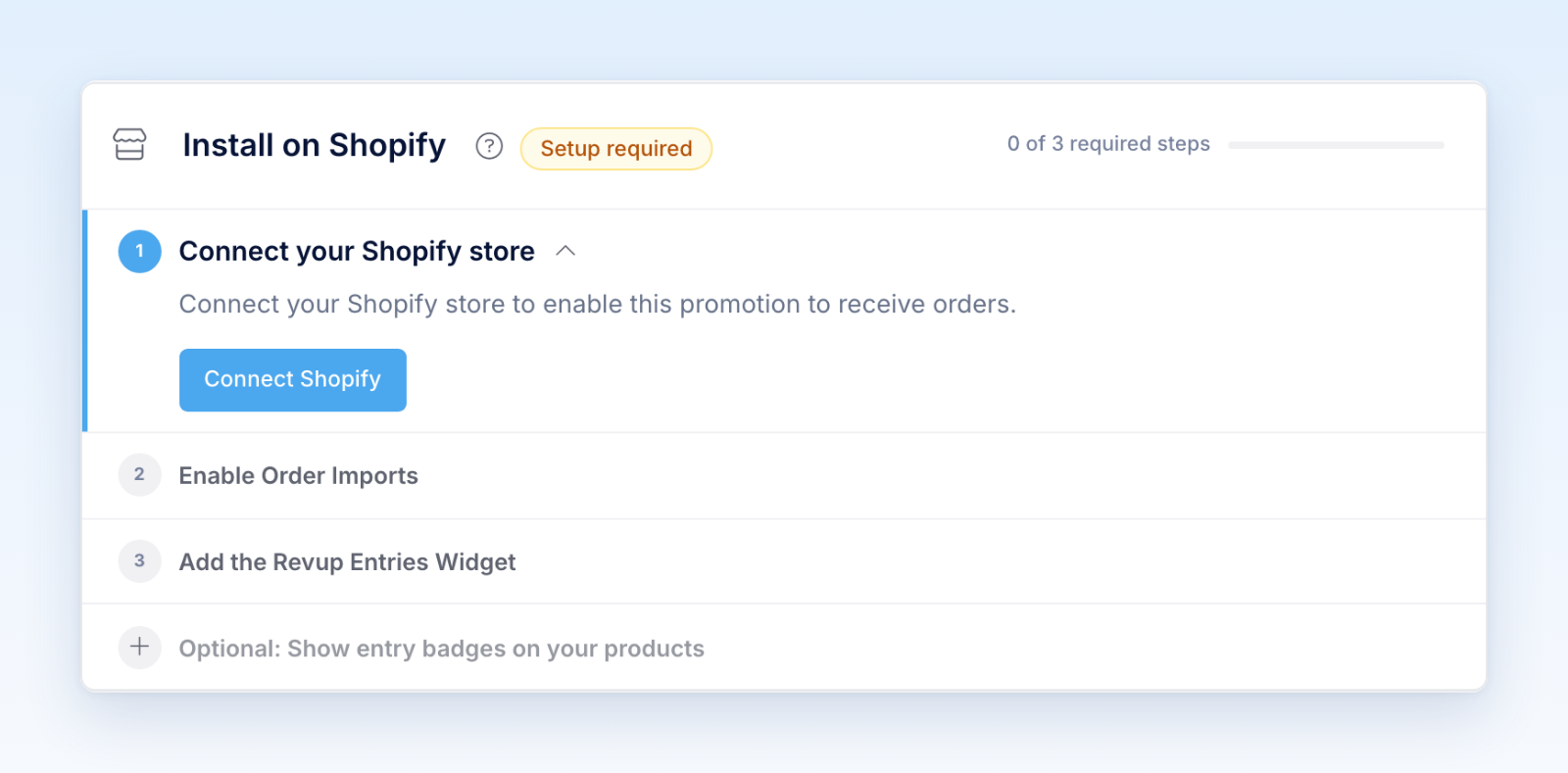
- Open Optional: Show entry badges on your products. Complete the Shopify setup first if prompted.
- When available, click Enable in Shopify. Enable the Entry badges app embed in Shopify’s theme editor and click Save.
- Return to Revup and click Refresh status to confirm setup on the published theme.
- Use Customize in Shopify to adjust an active badge’s appearance.
You can also open Shopify admin → Online Store → Themes → Customize → App embeds → Entry badges. If Revup shows that badges are unavailable for the entry rules, review the entry settings before trying to enable them.
How do I add checkout and post-purchase widgets?
For Shopify Plus checkout, open Shopify’s checkout editor and add Revup Checkout Estimate. For Thank you, Order status, Orders, and Customer Profile, add Revup Entries Widget to the relevant page in Shopify’s checkout/accounts editor. Save the configuration. These are separate placements; adding one does not install all of them.
What should I check before launch?
Test the product, collection, cart, accelerated checkout, standard checkout, Thank you, Order status, and customer-account paths your store uses. Confirm that the correct promotion is selected and placements hide before its start and after its end. Confirm earned totals using a controlled qualifying order, rather than treating a preview as an awarded entry.
If publication fails, confirm the Shopify connection and permissions, then use the recovery action shown in Revup. Recovery restarts the existing installation work; it does not require creating a new promotion.
Was this helpful?
Still need help? Ask the team