Create and review official rules
Generate a starting draft of promotion rules and review the details that must match your Revup setup.
Generate the rules
Revup can generate a starting draft of official rules from your promotion settings. The sponsor remains responsible for the promotion and the final rules.
- Open the promotion builder and go to Settings.
- Confirm dates, timezone, prizes, eligibility, entry methods, entry limits, and winner settings.
- Open Official Rules.
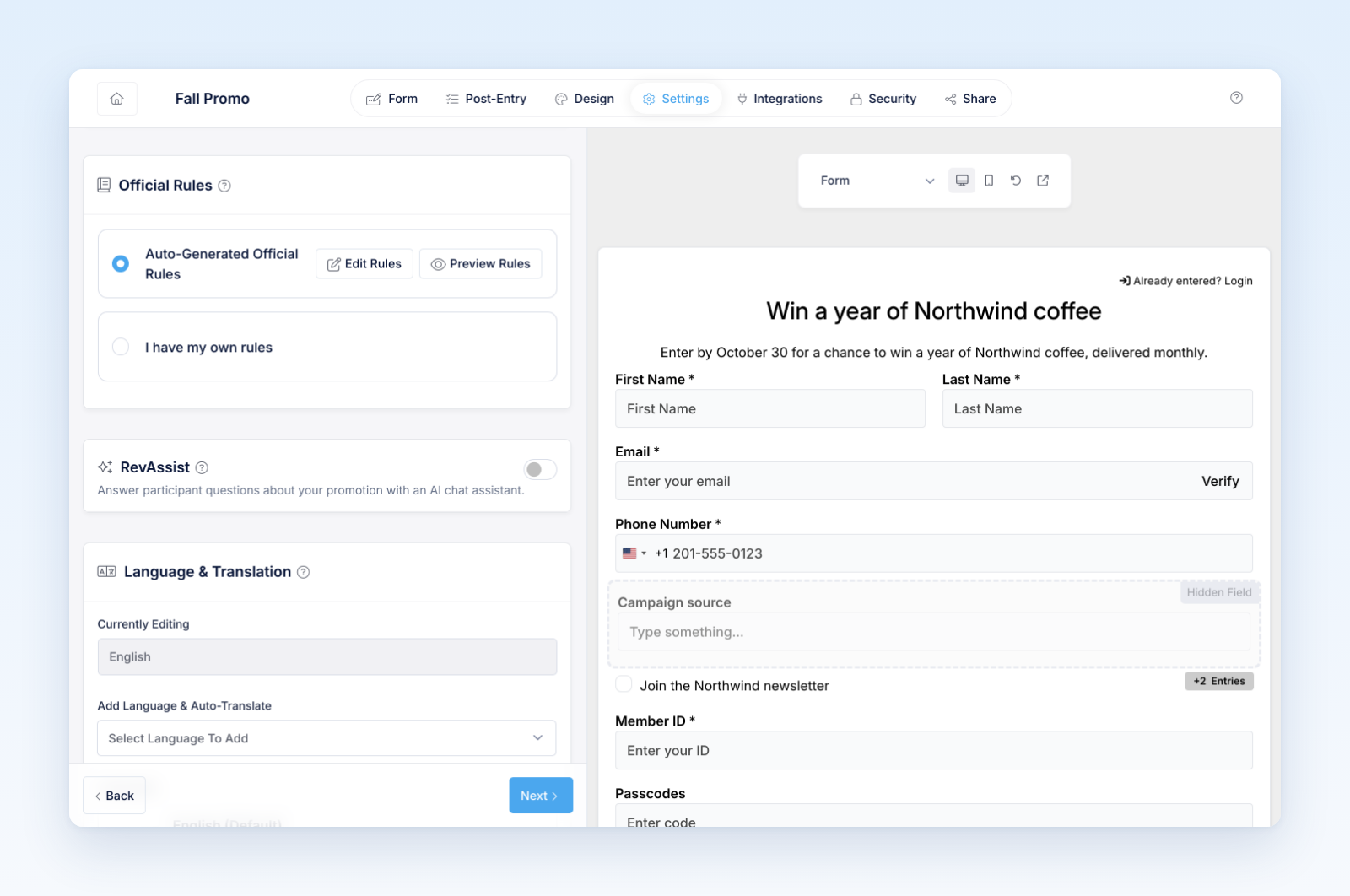
- Complete the sponsor and promotion details requested by the builder.
- Generate or refresh the rules draft.
- Review the preview and edit the public copy where needed.
What to review
At minimum, confirm:
- Sponsor legal name and address
- Promotion name and exact entry period
- Timezone
- Eligible locations and minimum age
- No-purchase method when required
- Base and bonus entry methods
- Entry frequency and limits
- Prize descriptions, quantities, and values
- Winner-selection method, timing, and odds language
- Notification, alternates, claims, deadlines, and fulfillment
- Publicity, privacy, platform, dispute, and limitation terms
Contest and Instant Win rules require additional product-specific details such as judging, voting, code distribution, prize inventory, or immediate winner determination.
Keep settings and rules aligned
The builder enforces the settings you configure; the rules explain those settings to participants. After changing dates, prizes, entry methods, eligibility, or winner handling, review both places again.
Important legal note
Generated rules are a drafting aid, not legal advice or a guarantee of compliance. Laws vary by promotion structure and jurisdiction. Obtain qualified legal review when appropriate, especially for high-value prizes, multiple countries, regulated industries, purchase-related promotions, or unusual entry methods.
Was this helpful?
Still need help? Ask the team