Create a sweepstakes or giveaway
Build the entry experience, prizes, rules, design, and publishing options for a new sweepstakes.
Start a chance-to-win promotion
Create a Sweepstakes / Giveaway when participants should enter for a chance to win in a later drawing.
Create the promotion
- From the dashboard, select Create Promotion.
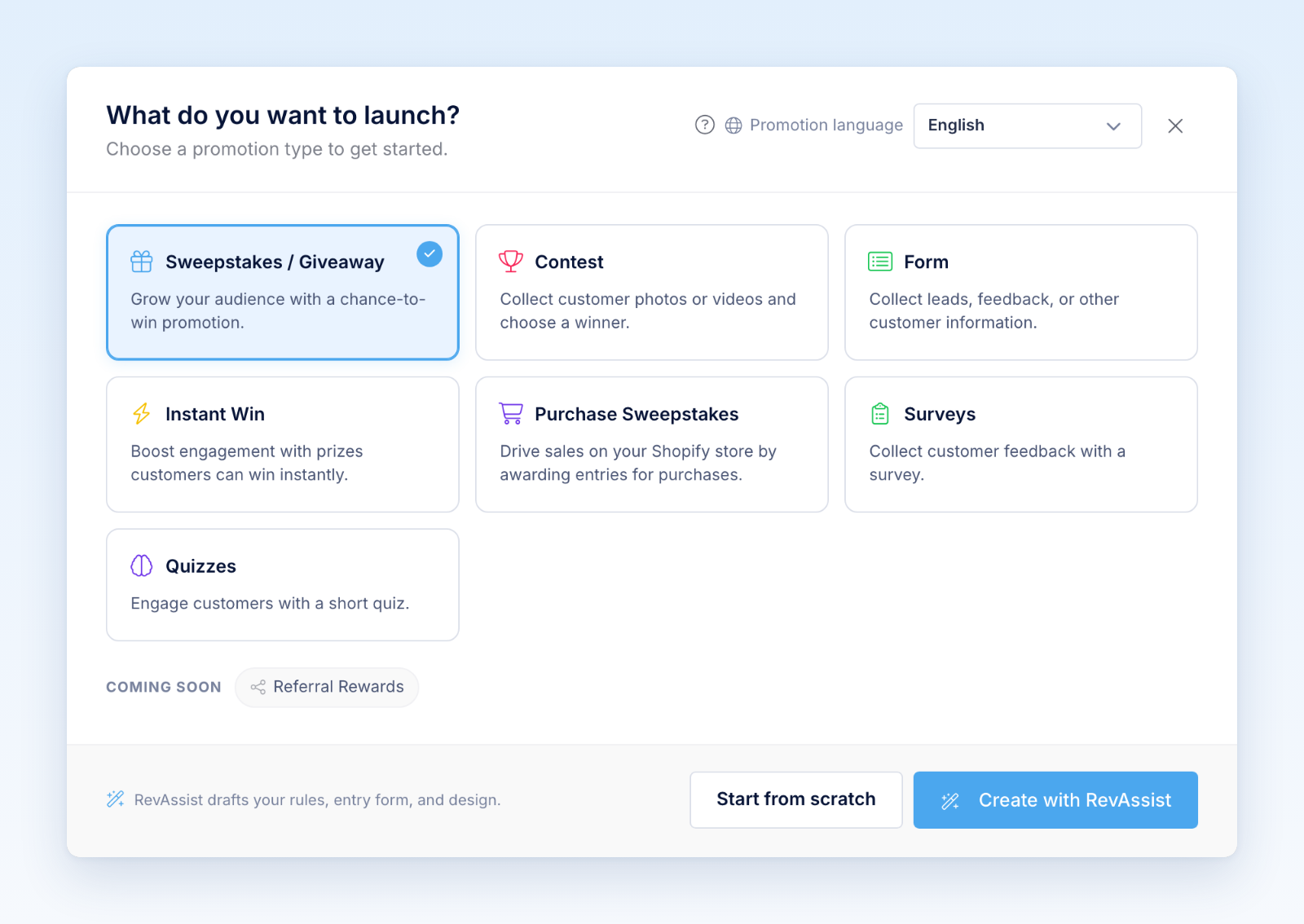
- Choose Sweepstakes / Giveaway.
- Choose Promotion language.
- Select Start from scratch to create the promotion immediately with a default name, or Create with RevAssist to complete the guided setup.
- Review and edit the promotion name and settings in the builder.
Complete the setup
Work through the builder tabs before publishing:
- In Form, write the introduction and build the entry form. Keep the email field because Revup uses it to identify the participant.
- In Post-Entry, configure the confirmation experience and any bonus-entry actions, referral sharing, leaderboard, or automated follow-up.
- In Design, choose a theme and review colors, type, imagery, buttons, and mobile layout.
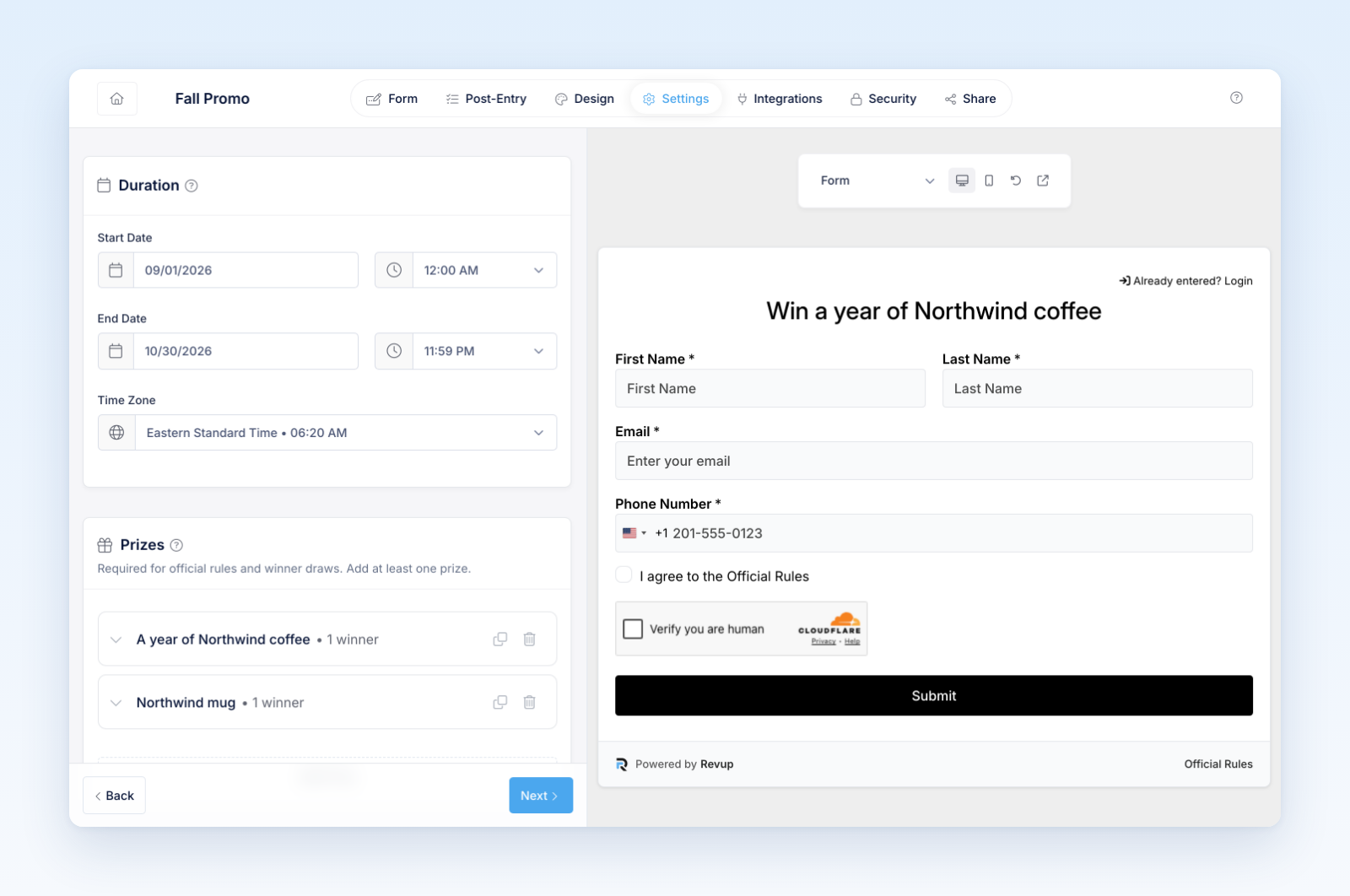
- In Settings, set the promotion period, timezone, prizes, eligibility, and official rules. Use Language & Translation in the same tab to add translations and review every public string.
- In Integrations, connect the destinations that should receive participant data and map the fields.
- In Security, configure entry limits, CAPTCHA, geography, and other protections.
- In Share, choose a hosted page, inline embed, popup, or other available placement.
Test the full lifecycle
Preview the not-started, open, submitted, already-entered, and ended states. Submit a test entry, complete each bonus action, follow a referral link in a separate browser session, and confirm integration delivery.
If the promotion uses winner claims, create and preview the claim form before launch. Confirm that prize names, values, quantities, drawing timing, alternates, eligibility, and claim deadlines match the official rules.
Creating the promotion does not publish it. Share or install it only after completing the launch checklist.
Was this helpful?
Still need help? Ask the team