Contests overview
Learn how Revup photo and video contests handle submissions, moderation, galleries, voting, and winners.
Collect, review, and display submissions
Revup Contests collect photo or video submissions and provide the tools to review, publish, vote on, and manage those submissions.
The contest lifecycle
- A participant completes the contest form and uploads the required media.
- Revup processes the media and creates a submission record.
- Your team reviews the submission and approves or rejects it.
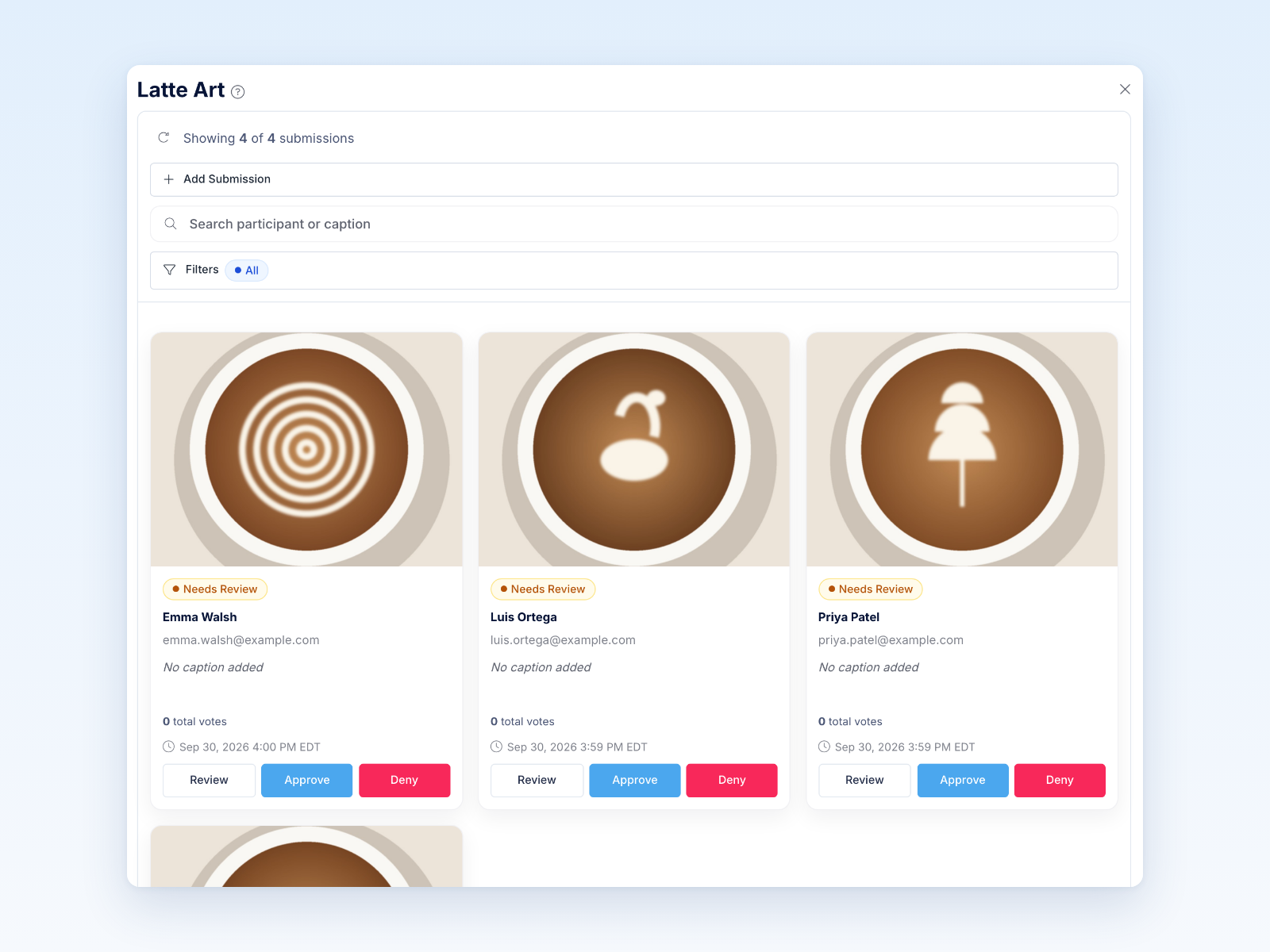
- Approved submissions can appear in the public gallery.
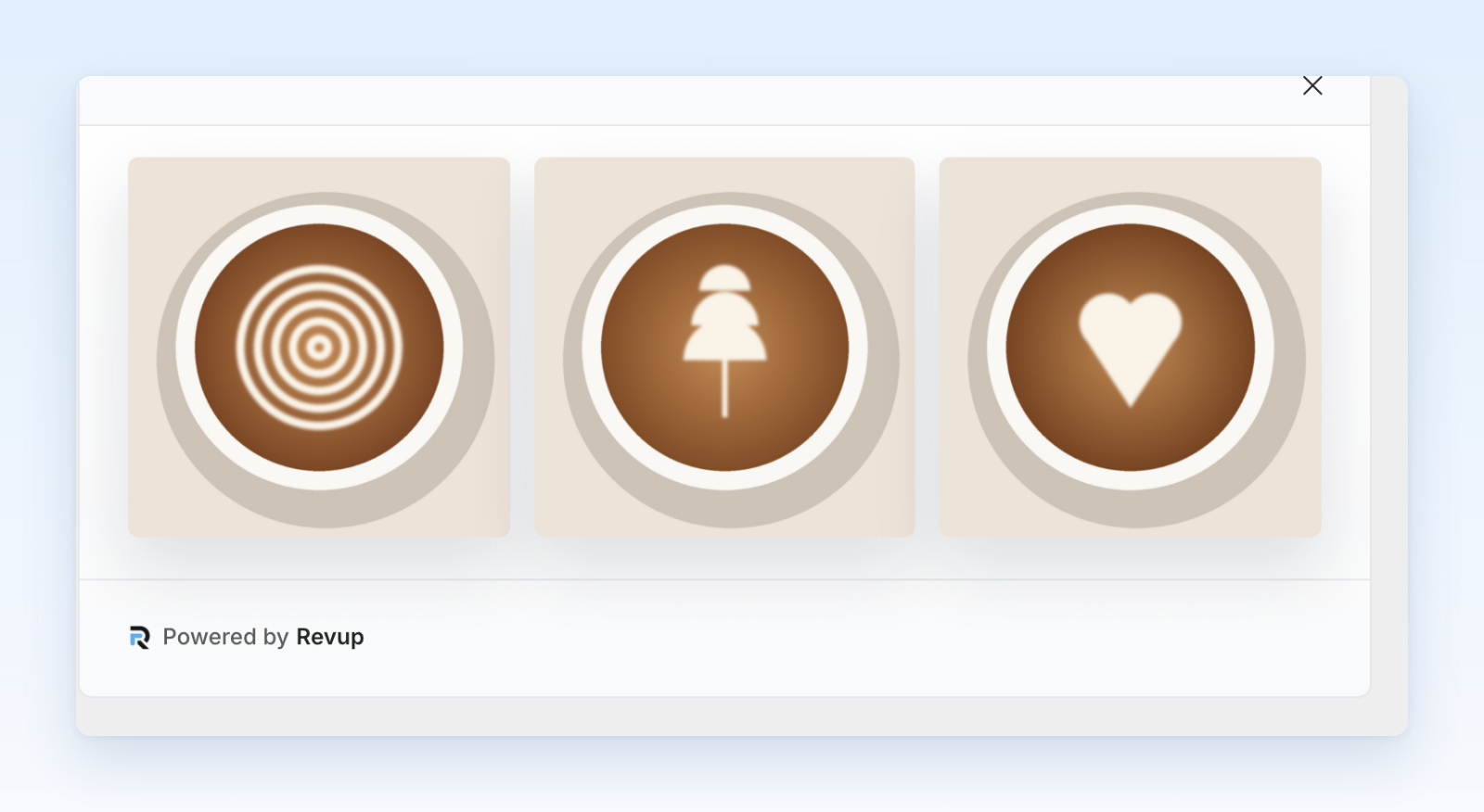
- If voting is enabled, eligible visitors can vote using the limits and verification rules you configure.
- Your team selects winners based on the contest’s documented judging method.
What you can configure
- Photo or video upload requirements and supporting form fields
- Submission captions and participant details
- Manual moderation before gallery publication
- Gallery content, design, and an optional Enter Contest call to action
- Voting periods, frequency limits, and email verification
- Contest prizes, judging criteria, disclosures, and official rules
- Winner notifications, claims, deadlines, and fulfillment
- Automated email or SMS flows for submission and moderation events
Moderation and privacy
New media should be reviewed before it is made public. Use the submission detail view to check the media, caption, participant information, and moderation history. Only publish information that your rules and consent language allow you to display.
Voting is not the same as judging
Public votes can determine a winner, contribute to judging, or be used only for engagement. State the method clearly in the official rules. Revup enforces the voting controls you configure, but your team remains responsible for reviewing unusual activity and applying the published rules consistently.
Reporting
Contest reporting includes entries, gallery activity, and voting data. Vote exports and participant exports can be used for review, reconciliation, and recordkeeping.
Was this helpful?
Still need help? Ask the team