Configure entries per amount spent
Set the base currency and calculation that converts qualifying Shopify spend into entries.
Set the base earning rate
The base rule converts qualifying order spend into entries, such as one entry for each whole dollar spent.
- Open the Purchase Sweepstakes builder and go to Settings → Entries.
- Confirm the promotion currency.
- Enter the number of entries awarded for the configured spend amount.
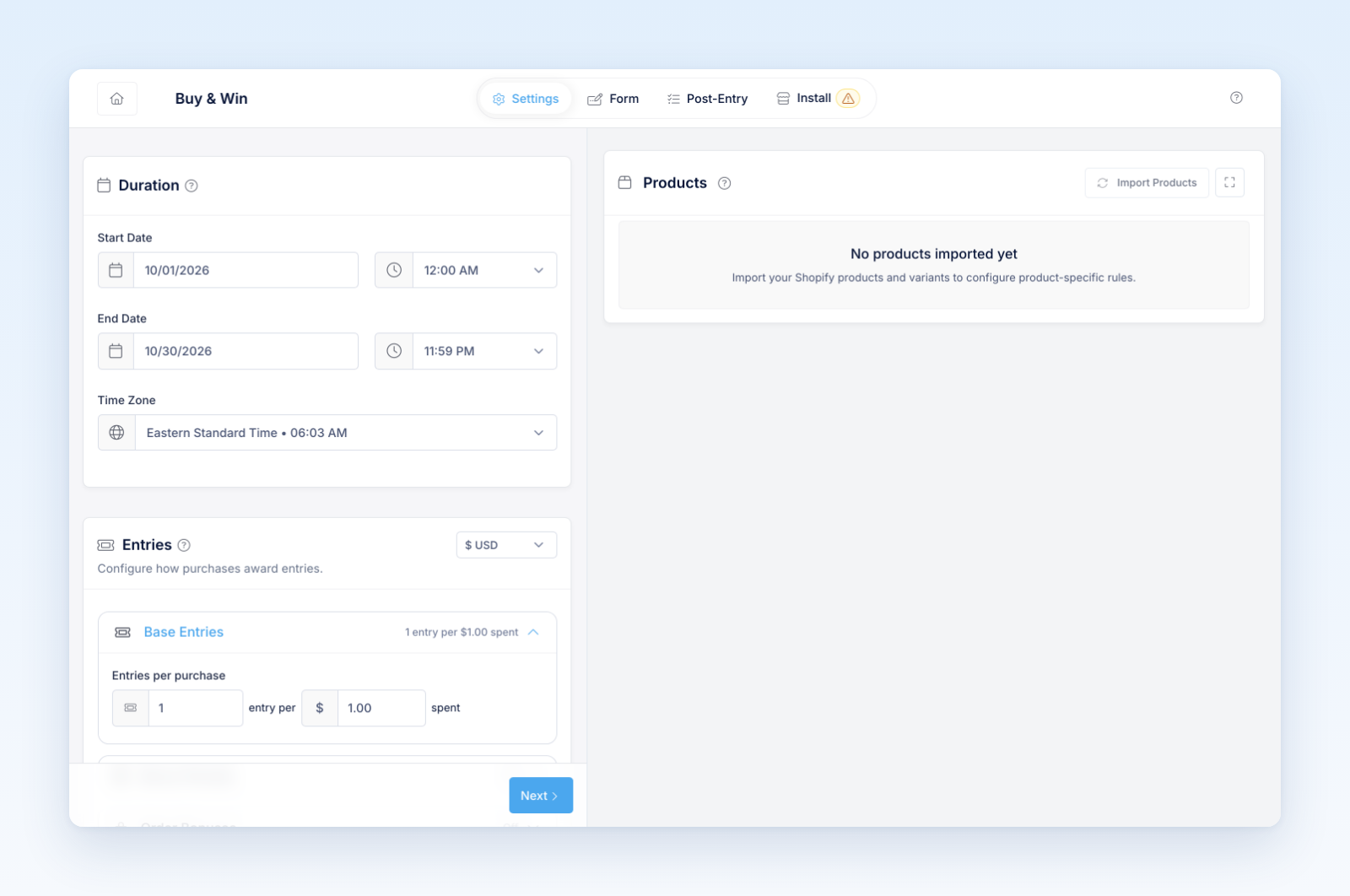
- Review rounding and minimum qualifying behavior shown in the builder.
- Save and test several order totals.
Test totals below the threshold, exactly on it, above it, and after discounts. Confirm how tax, shipping, refunds, and nonqualifying products affect the amount.
Use a simple public explanation and include the same calculation in the official rules. If special product or coupon rules add entries, explain whether they replace or add to the base calculation.
Was this helpful?
Still need help? Ask the team