Create an Instant Win promotion
Build an immediate-result promotion with prizes, entry fields, winner content, rules, and security.
Prepare an immediate-result promotion
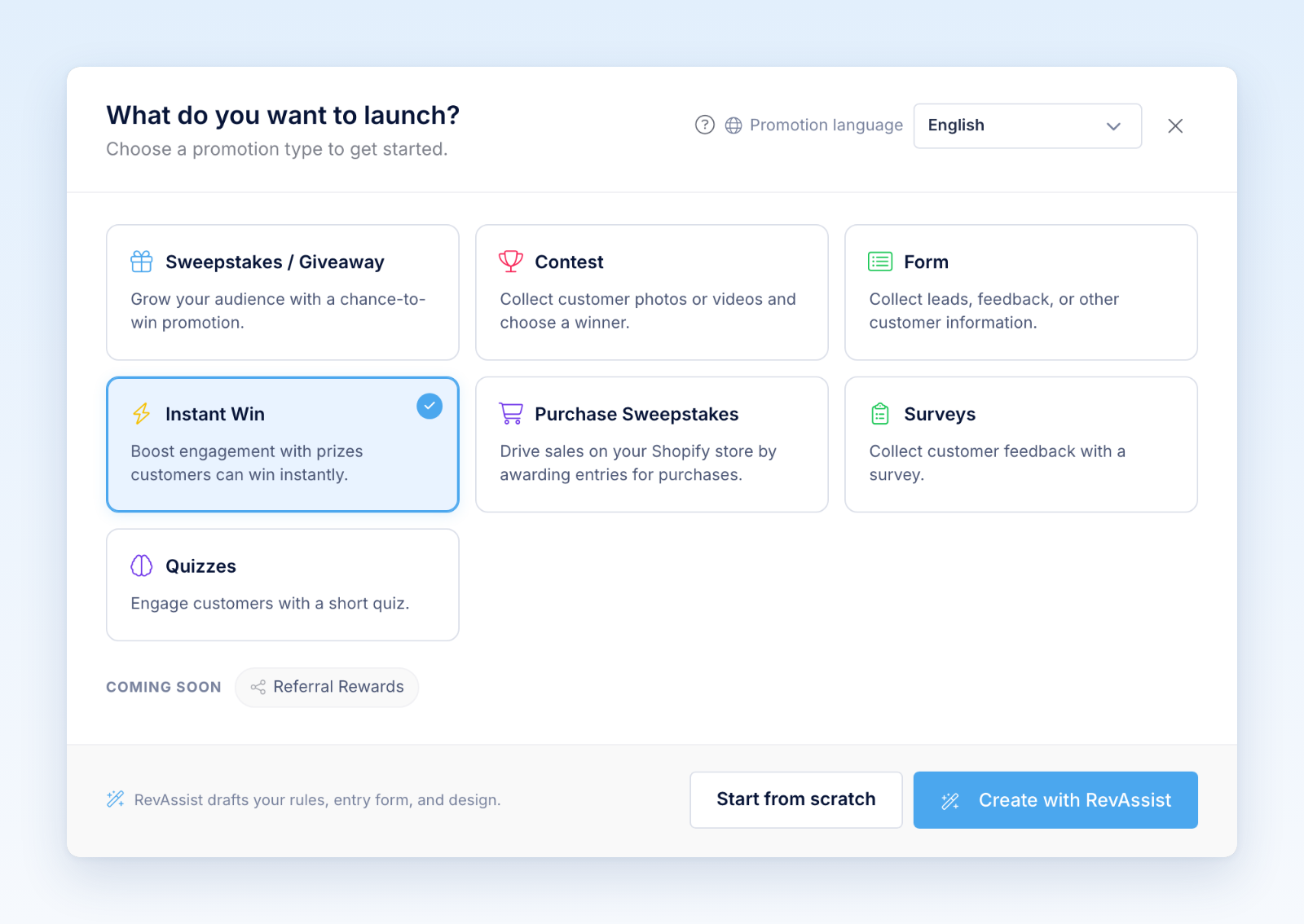
- From the dashboard, select Create Promotion → Instant Win.
- Set the promotion period, timezone, eligibility, entry limits, and official rules.
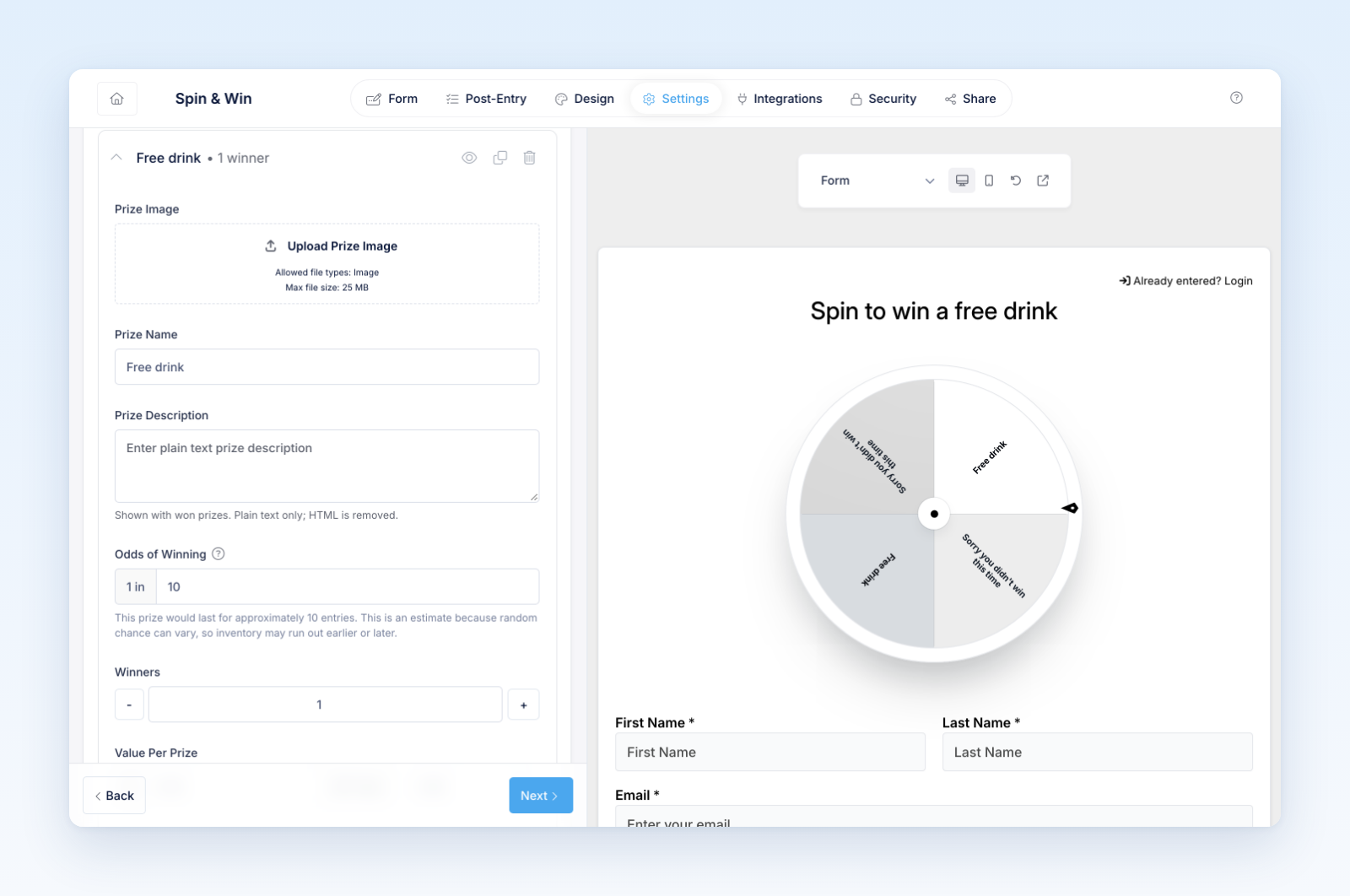
- Add the prizes and confirm their quantities and availability.
- Build the entry form and add a code field only when the experience requires unique codes.
- Configure the action experience, winning content, losing content, and another-code or retry behavior.
- Customize design, languages, integrations, and security.
- Choose the hosted or embedded placement under Share.
Test before launch
Preview both winning and losing states without consuming uncontrolled production inventory. Test invalid, used, winning, and losing codes when codes are enabled. Confirm that prize names and descriptions match the official rules and the claim form.
Check the experience before the start, while open, after a prior attempt, when a prize is unavailable, after all inventory is exhausted, and after the promotion ends.
Only publish after verifying the timezone, prize counts, winner handling, entry limits, code confidentiality, security, integrations, and claim process.
Was this helpful?
Still need help? Ask the team