Manage Instant Win winners and claims
Review awarded prizes, notify winners, collect claims, manage deadlines, and track fulfillment.
Review recorded prize awards
Instant Win winners are created when Revup records an eligible winning attempt. The awarded prize remains part of the winner history even while verification or fulfillment is pending.
- Open the promotion dashboard and select Winners.
- Review the participant, prize, attempt, code context when applicable, and current claim status.
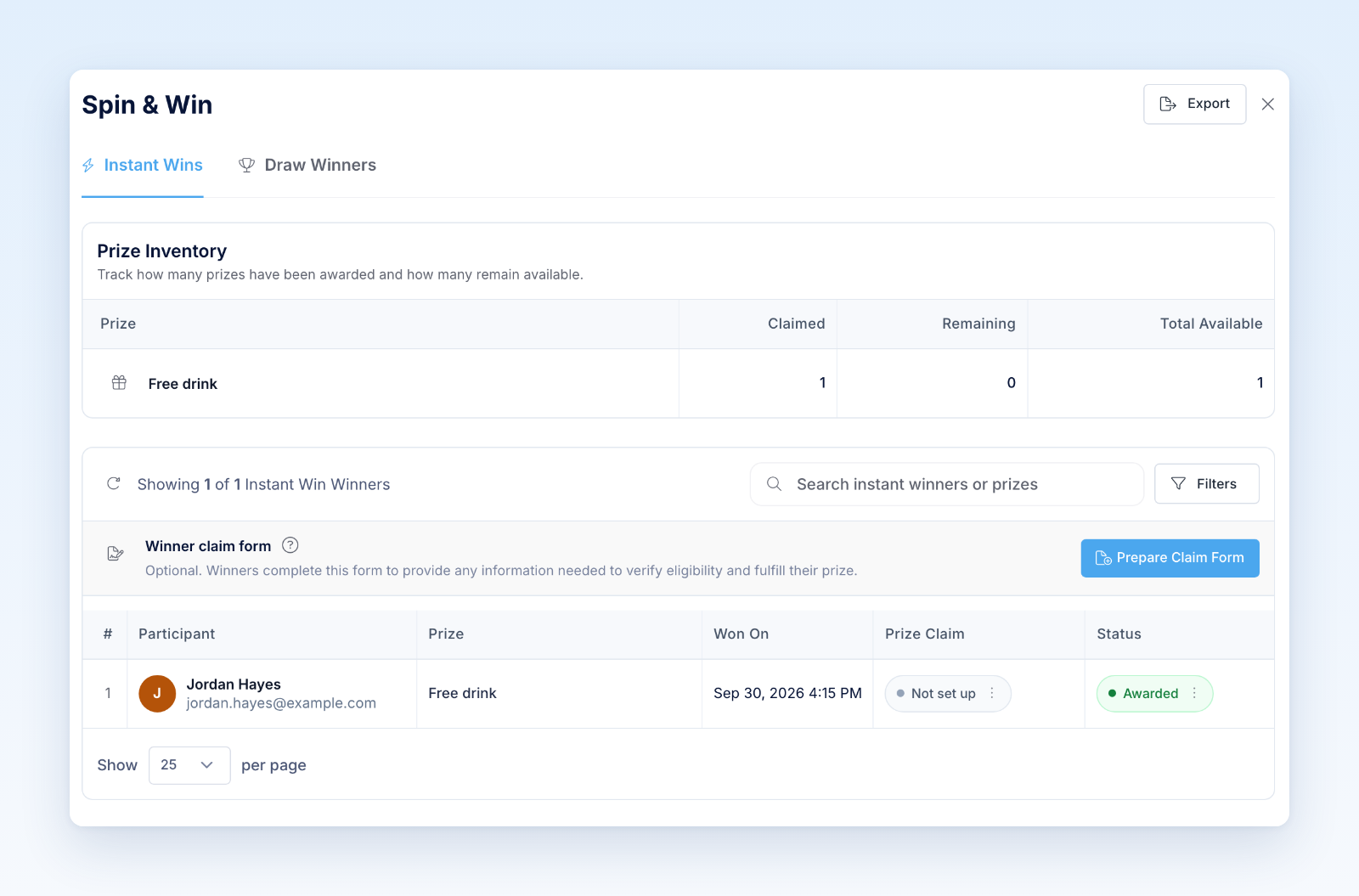
- Verify eligibility before fulfillment.
- Send the configured claim notification if additional information is required.
- Review submitted claim information and required documents.
- Extend a pending deadline only under an authorized process.
- Mark the prize fulfilled when delivery is complete.
If a winner is invalid, use the supported disqualification or deletion action and record the reason. Do not manually invent a replacement outcome that conflicts with the official rules or prize inventory.
Winner exports are useful for reconciliation, but access should be limited because they may contain contact and claim information. Public announcements should reveal only approved winner details.
Was this helpful?
Still need help? Ask the team