Connect Shopify
Understand where Shopify is connected and how the account connection supports Purchase Sweepstakes.
Connect the intended account
Shopify is connected at the Revup account level rather than as a standard participant destination.
- Install Revup from the Shopify App Store.
- Choose your store and approve the requested permissions in Shopify.
- When Revup opens in Shopify, choose I already have a Revup account if you already use Revup. Sign in and confirm the intended account. If you are new to Revup, choose Continue with Shopify and complete onboarding.
- In Revup, open Account → Integrations and confirm that the store is connected.
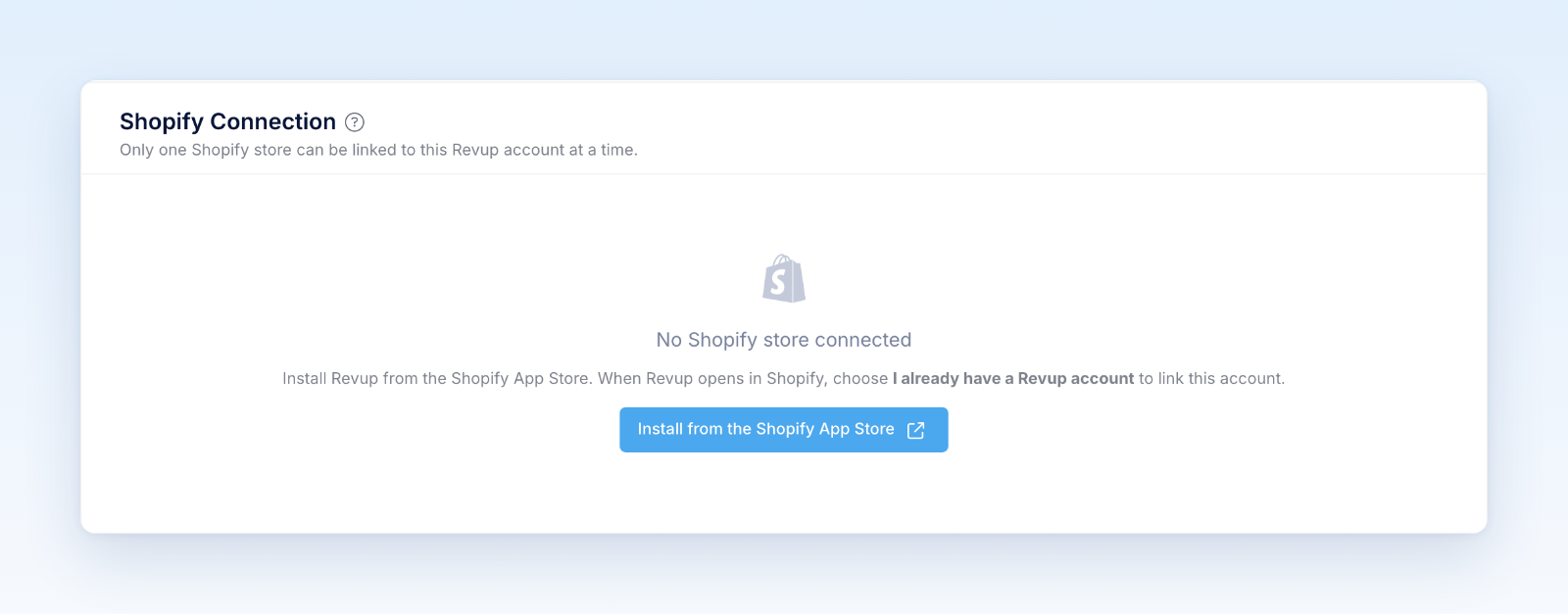
If you already use Revup, do not choose Continue with Shopify; it can create a separate new account. If Revup says no account exists for your Shopify email, contact support instead of creating a new account.
One Shopify store can be linked to a Revup account at a time. The connection supports Purchase Sweepstakes catalog and order imports, refunds, storefront placements, and privacy cleanup.
After connecting, follow Connect your Shopify store and the Purchase Sweepstakes launch checklist for import, rule, order, placement, and refund testing.
Was this helpful?
Still need help? Ask the team