Connect your Shopify store
Connect one Shopify store to a Revup account for Purchase Sweepstakes and storefront features.
Connect the intended account
Only one Shopify store can be linked to a Revup account at a time. If you already use Revup, choose the existing-account option during installation so your store is linked to the intended account.
- Install Revup from the Shopify App Store, or start from the Purchase Sweepstakes builder's Connect Shopify button.
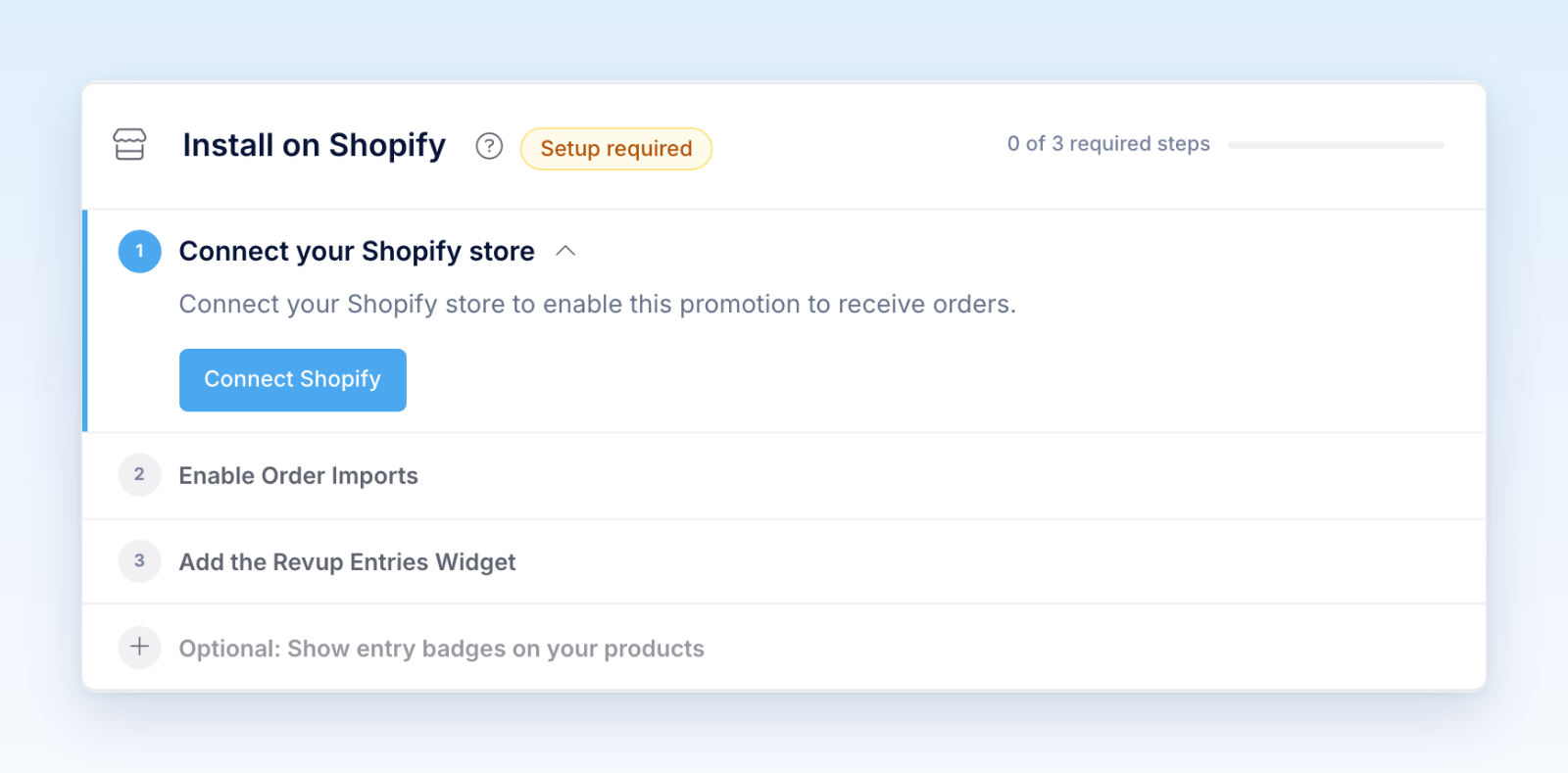
- Choose your store and approve the requested permissions in Shopify.
- When Revup opens in Shopify, choose I already have a Revup account if you already use Revup. Sign in and confirm the intended account. If you are new to Revup, choose Continue with Shopify and complete onboarding.
- In Revup, open Account → Integrations and confirm the store name and active status.
- Start the catalog or order import when prompted.
If you already use Revup, do not choose Continue with Shopify; it can create a separate new account. If Revup says no account exists for your Shopify email, contact support instead of creating a new account.
After connection, allow initial imports to finish before configuring product-specific rules. Test with a controlled order and confirm that Revup receives the expected identity, products, totals, discounts, and status changes.
Disconnecting or moving a store can stop order processing and storefront features for promotions using it. Review every affected promotion before changing the account connection.
Was this helpful?
Still need help? Ask the team